
Essential Tools Every UI/UX Designer Should Use in 2025
A curated list of the best tools for wireframing, prototyping, and design workflow.
Author:Andrew Miller
Published:February 6, 2025
Reading Time: 7 min read
Category: UI/UX Design
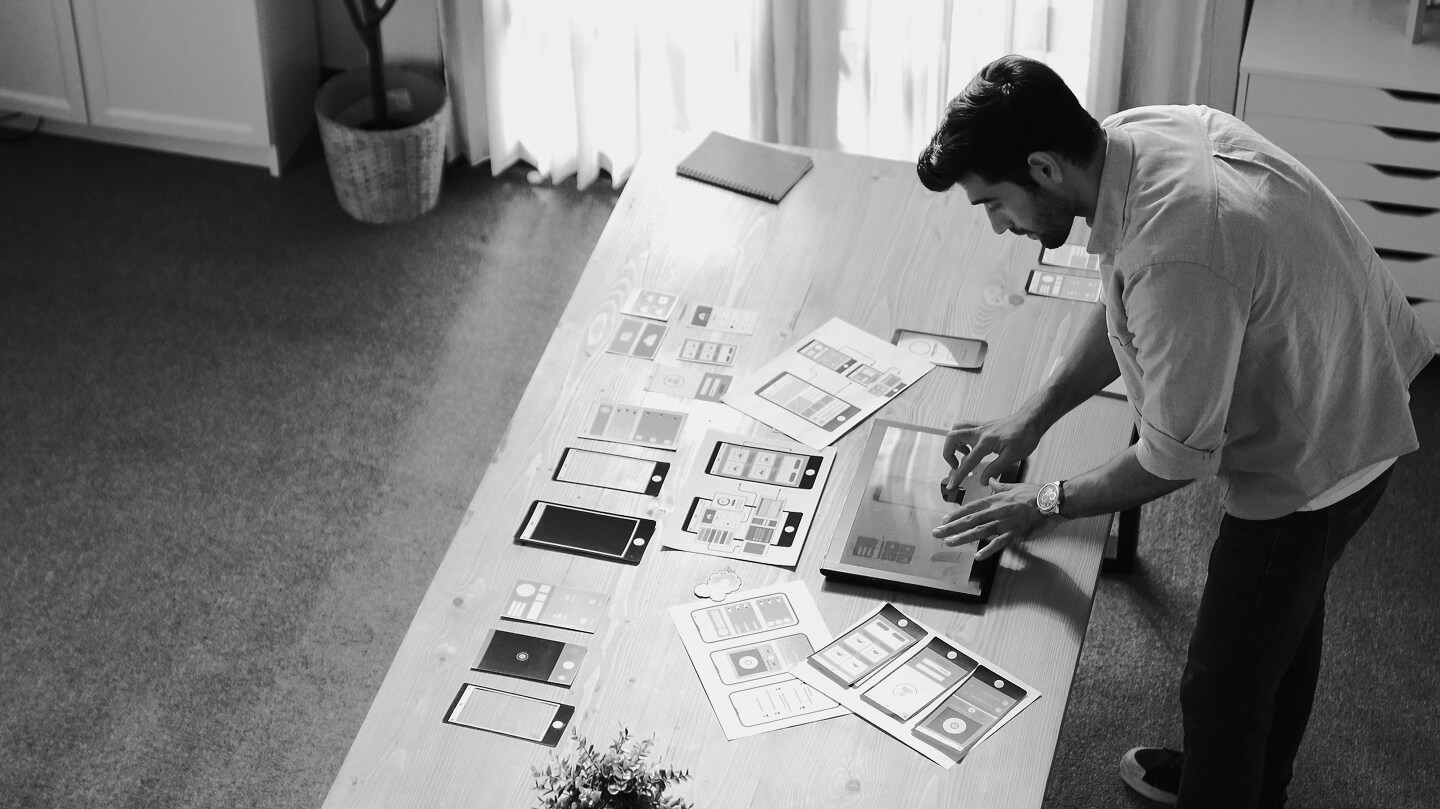
UI/UX design is more than just making interfaces look beautiful it's about creating meaningful, intuitive experiences for users. If you're new to design, understanding the core principles will help you build better interfaces and avoid common mistakes.
1. Keep It Simple
Great design is clear, uncluttered, and purposeful. Avoid unnecessary elements and focus on what users truly need to see.
2. Create Visual Hierarchy
Use size, color, spacing, and typography to guide users’ attention. Make the most important elements stand out naturally.
3. Consistency Matters
Buttons, colors, spacing, typography, and behaviors should be consistent across the entire product. Consistency builds familiarity.
4. Ensure Accessibility
Design for everyone including users with disabilities. Use proper contrast, clear labels, alt texts, and accessible color choices.
5. Use Feedback & Response
Every user action should have a visible reaction button animations, success messages, error states. Feedback improves confidence.
6. Prioritize Usability Over Aesthetics
A beautiful interface that’s hard to use still fails. Every visual decision should support user goals, not distract from them.
7. Make Navigation Intuitive
Menus, tabs, and icons must be easy to understand and consistent across the product. Users should never get lost.
8. Keep Content Scannable
Users don’t read they scan. Use short paragraphs, bullet lists, icons, and headings to improve readability.
9. Follow Design Patterns
UI patterns like cards, grids, tabs, and modals help users understand your interface faster. Don’t reinvent common components.
10. Test, Learn, Repeat
Good design comes from iteration. Test your designs with real users, gather feedback, and improve continuously.
Mastering these foundational principles helps beginners build interfaces that are not only beautiful but also functional, accessible, and user-friendly. Keep practicing, stay consistent, and continue learning that’s the true path to becoming a great designer.
Related Post
Discover more helpful articles curated just for you.

Top 10 UI/UX Principles Every Beginner Should Know
A beginner friendly breakdown of the core design principles used by top designers around the world.

How to Build a Strong Portfolio as a Beginner Designer
Learn what to include, what to avoid, and how to make clients trust your skills instantly.

The Future of E-Learning: Trends Shaping Online Education
Explore how AI, micro-learning, and interactive content are transforming the way we learn.
Want to become a professional UI/UX Designer?
Start learning with our beginner friendly course today!